
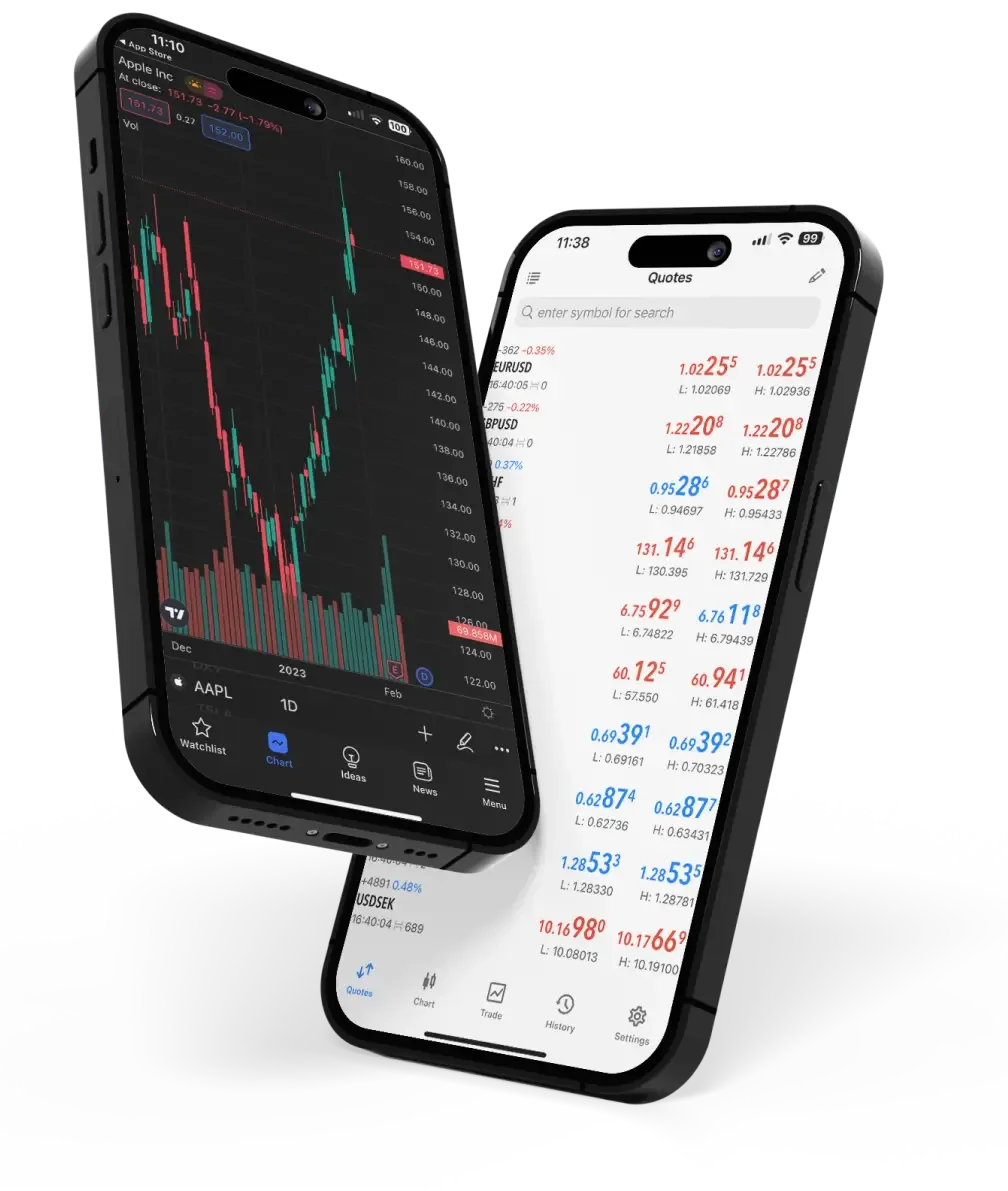
To maximize the potential of MetaTrader 4, traders need to understand its various features and functionalities deeply. Here are some essential tips to help you get started and succeed with Metatrader 4 for windows.
Setting Up and Navigating MT4
Getting started with MT4 is straightforward. After downloading and installing the platform, users need to create a trading account with a broker that supports MT4. Once logged in, traders are greeted with an intuitive interface that includes a market watch window, a navigator, a terminal, and chart windows.
The market watch window displays real-time quotes for various trading instruments, while the navigator window provides access to accounts, indicators, EAs, and scripts. The terminal window at the bottom of the screen shows account information, trade history, alerts, and messages. Chart windows occupy the main part of the interface, offering powerful tools for technical analysis.
Utilizing Technical Analysis Tools
MT4’s strength lies in its technical analysis capabilities. Traders can use over 30 built-in technical indicators, including moving averages, Bollinger Bands, and MACD. Additionally, the platform supports custom indicators, which can be developed using MQL4 or downloaded from the MetaTrader Market.
The charting tools in MT4 are extensive, allowing traders to draw trend lines, channels, and Fibonacci retracements directly on the charts. Multiple time frames can be analyzed simultaneously, providing a comprehensive view of market conditions. By mastering these tools, traders can make more informed decisions and develop effective trading strategies.
Leveraging Automated Trading
Automated trading is a powerful feature of MT4. Traders can create or purchase EAs to automate their trading strategies. To develop an EA, users need to have a basic understanding of the MQL4 programming language, which is relatively easy to learn compared to other programming languages.
For those who prefer not to code, the MetaTrader Market offers a wide selection of EAs, ranging from simple to complex algorithms. Before deploying an EA in a live trading environment, it’s advisable to test it in MT4’s Strategy Tester, which allows backtesting against historical data to evaluate its performance.