
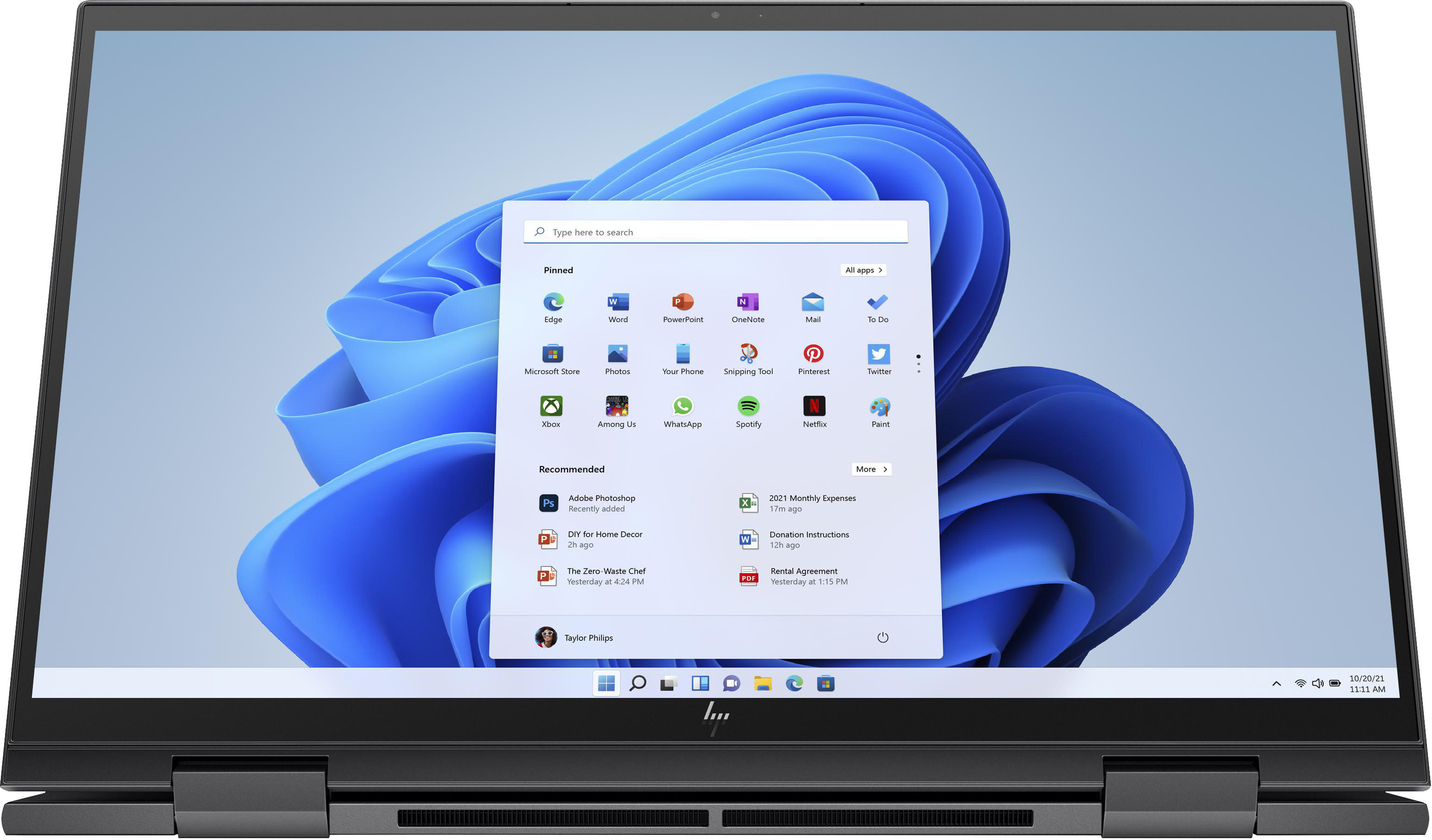
Windows 11 has quickly become one of the most sought-after operating systems, with its sleek design and enhanced functionality redefining the user experience. However, one key aspect often overlooked is the process of obtaining legitimate license keys and activating the OS properly. This blog provides a concise overview of Windows 11 license key (windows 11 lizenz key) and activation essentials.
What Are Windows 11 License Keys?
A Windows 11 license key, also known as a product key, is a 25-character alphanumeric code used to activate and verify your copy of the operating system. This ensures your OS is genuine and provides access to all features, updates, and security enhancements. Without activation, your system may have limited functionality, and you might encounter periodic warnings to activate Windows.
Legitimate license keys are typically obtained when purchasing a Windows 11 software package, pre-installed on a new device, or via official digital downloads.
Common Types of Windows 11 Licenses
There are various types of licenses available depending on the user’s needs:
1. Retail License (Full Packaged Product)
This key is purchased directly and can be transferred to another device if needed. It is ideal for individual users upgrading their personal computer.
2. OEM License (Original Equipment Manufacturer)
Pre-installed on new computers by manufacturers, this license is tied to the specific hardware and cannot be transferred.
3. Volume Licensing
Designed for organizations, this type allows businesses to activate multiple devices using a single key, typically managed through a central system.
4. Digital License (Digital Entitlement)
Linked to your Microsoft account, this activation method eliminates the need for manually entering a product key.
How to Activate Windows 11
Activating Windows 11 is straightforward. Here’s a quick guide:
1. Open Settings: Navigate to Start > Settings > System > Activation.
2. Enter the Key: If you have a product key, select “Change product key,” then input your 25-character code.
3. Digital License: If your key is linked to a Microsoft account, Windows 11 activates automatically when you sign in.
Troubleshooting Activation Issues
Some common problems during activation include invalid keys, mismatched versions, or hardware changes. To resolve this, ensure your key matches your Windows version (e.g., Home or Pro). For significant hardware updates, Microsoft provides a “reactivation” process linked to your account.
Stay Secure with Genuine Keys
Always purchase license keys from official sources to avoid counterfeit products or security risks. Investing in legitimate licenses ensures a smooth experience with regular updates that protect you from vulnerabilities.
Windows 11 license keys play a pivotal role in unlocking the full potential of this innovative operating system. Be informed, activate properly, and enjoy all the features Windows 11 has to offer!