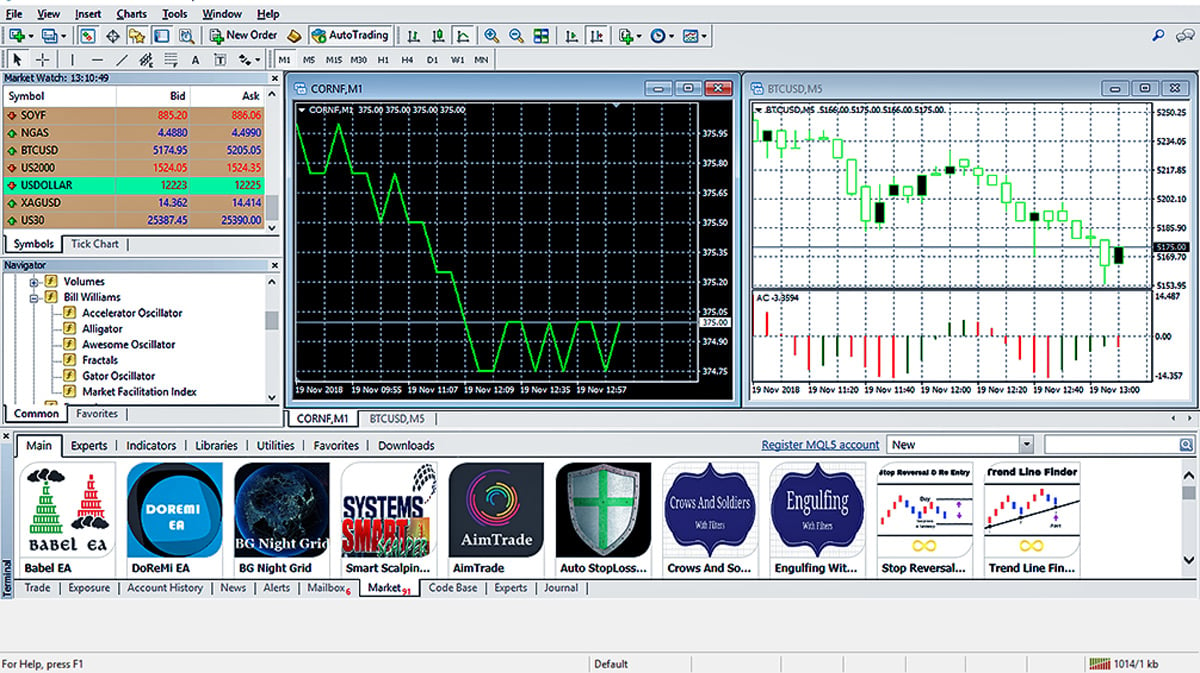
How to Download MT4 on Any Device in Minutes
MetaTrader 4, commonly known as MT4, remains one of the most popular trading platforms in the world. Its user-friendly interface, powerful analytical tools, and support for automated trading make it a top choice for traders of all experience levels. Whether you prefer to trade from your desktop or on the move, download mt4 is a straightforward process.
This guide provides simple, step-by-step instructions on how to download and set up MT4 on your desktop, Android, and iOS devices, so you can start trading in just a few minutes.
How to Download MT4 on Your Desktop (Windows and macOS)
The desktop version of MT4 offers the full suite of features, including advanced charting tools, a wide range of technical indicators, and the ability to run automated trading strategies, known as Expert Advisors (EAs).
For Windows Users:
1. Visit Your Broker’s Website: Navigate to your broker’s website and locate their MT4 platform download page.
2. Download the Installer: Click the download link for the Windows version. An .exe file will begin downloading.
3. Run the Installer: Once the download is complete, open the file. Read and accept the license agreement, then follow the on-screen prompts to complete the installation.
4. Log In to Your Account: After installation, the MT4 platform will launch automatically. Select your broker’s server and log in using your trading account credentials.
For macOS Users:
Brokers often provide a dedicated macOS installer or instructions for using compatibility software like Wine.
1. Find the macOS Version: Go to your broker’s platform page and find the download link for Mac.
2. Download and Install: Download the provided .dmg file. Drag the application icon into your Applications folder.
3. Launch the Platform: Open MT4 from your Applications folder. If a security warning appears, you may need to adjust your settings in “System Preferences” > “Security & Privacy” to allow the app to run.
4. Log In: Once launched, connect to your broker’s server and enter your account login details.
How to Download MT4 on Your Mobile Device (iOS and Android)
The MT4 mobile app allows you to manage your account, execute trades, and analyze markets from anywhere.
For Android Users:
1. Open the Google Play Store: On your Android device, launch the Google Play Store.
2. Search for MetaTrader 4: Use the search bar to find “MetaTrader 4”.
3. Install the App: Select the official app developed by MetaQuotes Software Corp. and tap “Install”.
4. Log In: Open the app and choose “Login to an existing account”. Search for your broker’s server name, select it, and enter your login credentials.
For iOS Users (iPhone and iPad):
1. Open the App Store: On your iPhone or iPad, open the App Store.
2. Search for MetaTrader 4: Type “MetaTrader 4” into the search bar.
3. Download the App: Tap “Get” to download and install the app from MetaQuotes Software Corp.
4. Log In: Launch the app, navigate to “Settings” > “New Account”, and select “Login to an existing account”. Find your broker’s server, and then sign in with your account details.
Start Trading with MT4
By following these simple steps, you can have MetaTrader 4 installed and ready to use on any of your preferred devices within minutes. This powerful platform provides the tools and flexibility needed to engage with the financial markets effectively, no matter where you are.